Kelvin Color Temperature Chart
Color temperature describes how orange or blue a light source is, measured in Kelvin (K): candlelight is about 1,800K, tungsten bulbs 3,200K, daylight 5,500K and open shade 7,500K. Drag the slider to see what each temperature looks like, jump to any camera preset, and read the RGB value of the light.
Free · runs in your browser · nothing is uploaded · updated
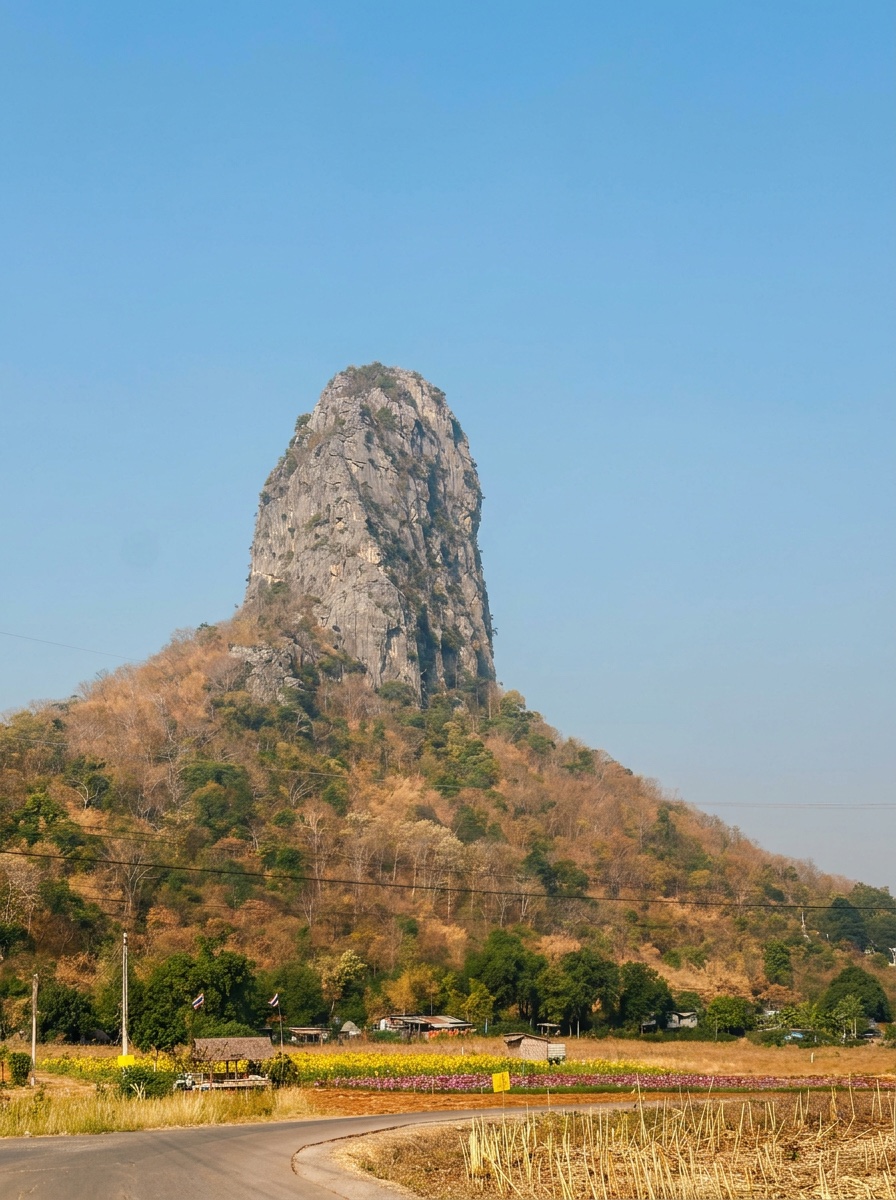
- Light color at 5,500K
- #FFEDDE
- RGB
- 255, 237, 222
- What the light looks like
- Daylight and flash — the neutral reference
- The right side shows
- Neutral: the setting matches daylight.
White Balancer presets
Kelvin color temperature chart for photography
The swatch shows the color of the light. The last column describes what happens when the camera is left on Daylight (5,500K) under that light — which is exactly the mistake automatic white balance makes when it guesses wrong.
| Kelvin | Light color | Light source | Camera preset | If the camera guesses Daylight |
|---|---|---|---|---|
| 1,800–1,900K | #ff7e00 | Candle flame, match | — | Everything goes deep orange; whites look amber. |
| 2,000–2,500K | #ff9227 | Sun on the horizon, sodium street lamps | — | Strong orange cast on Daylight/Auto. |
| 2,700K | #ffa757 | Incandescent bulb, "soft white" LED | Tungsten / Incandescent (≈3,000K) | Yellow-orange indoor photos, skin looks jaundiced. |
| 3,000K | #ffb16e | Halogen, "warm white" LED | Tungsten / Incandescent | Warm yellow cast. |
| 3,200K | #ffb87b | Tungsten studio and video lights | Tungsten (3,200K) | Orange on Daylight; cameras balance this cleanly on Tungsten. |
| 3,500–4,100K | #ffcea6 | "Neutral white" LED, cool-white fluorescent tubes | Fluorescent (≈4,000K) | Slightly yellow or green; the classic office look. |
| 4,500–5,000K | #ffe4ce | Early morning / late afternoon sun, "daylight" bulbs | Daylight (some cameras) | Almost neutral; a touch warm on Cloudy. |
| 5,200–5,600K | #ffedde | Midday sun, electronic flash | Daylight / Flash | This is the reference: neutral whites. |
| 6,000–6,500K | #fffefa | Overcast sky, computer monitor (D65) | Cloudy | Cool, greyish photos on Daylight — the "washed-out" look. |
| 7,000–8,000K | #e6ebff | Open shade on a clear day | Shade | Blue cast; skin looks pale and cold. |
| 9,000–10,000K | #cddcff | Hazy or deep blue sky, high altitude | — (set Kelvin manually) | Strong blue cast, muddy greens. |
| 12,000K+ | #bfd3ff | Clear north sky, snow in shadow | — (set Kelvin manually) | Very blue; snow and water look unnatural. |
Camera white balance presets and their Kelvin values
| Preset | Typical Kelvin | Use it for |
|---|---|---|
| Tungsten / Incandescent | 3,000–3,200K | Household bulbs, halogen, tungsten video lights |
| Fluorescent | 3,800–4,200K | Office tubes, many shop LEDs (often adds a magenta tint too) |
| Daylight / Sunny | 5,200–5,600K | Direct sun, midday |
| Flash | 5,500–6,000K | Speedlights and studio strobes |
| Cloudy | 6,000–6,500K | Overcast skies, warms the image slightly |
| Shade | 7,000–7,500K | Open shade under a blue sky, warms the image a lot |
| Auto (AWB) | varies | Lets the camera guess — fine in daylight, unreliable in mixed or colored light |
Light bulb Kelvin scale
The same scale is printed on light bulb boxes. Lower numbers are warmer (more orange), higher numbers are cooler (more blue) — the opposite of what “warm” and “cool” suggest.
| Kelvin | Color | Bulb label | Typical use |
|---|---|---|---|
| 2,200K | #ff9227 | Amber / vintage filament | Accent and candle-look bulbs |
| 2,700K | #ffa757 | Soft white / warm white | Living rooms, bedrooms — the classic incandescent look |
| 3,000K | #ffb16e | Warm white (halogen-like) | Kitchens, dining, hospitality |
| 3,500K | #ffc18d | Neutral white | Offices, retail |
| 4,000K | #ffcea6 | Cool white / bright white | Garages, workshops, bathrooms |
| 5,000K | #ffe4ce | Daylight | Task lighting, reading, craft rooms |
| 6,500K | #fffefa | Daylight deluxe / cool daylight | Photography bulbs, display cases |
White Balancer preset values
For reference, these are the temperature and tint values behind the one-tap presets in White Balancer. Positive tint adds magenta, negative adds green. The temperature slider in the app runs from 2,000–12,000K.
| Preset | Temperature | Tint |
|---|---|---|
| Gym Selfie | 5,000K | +6 |
| Blue Sky | 5,200K | -4 |
| Yacht Life | 5,500K | -2 |
| Under The Sea | 5,600K | +5 |
| Brightener | 5,600K | +3 |
| Shopping Haul | 5,600K | +8 |
| Pool Side | 5,800K | -4 |
| Spa Day | 5,800K | +2 |
| Coffee Shop | 6,000K | +8 |
| Brunch Time | 6,200K | +8 |
| Autumn Forest | 6,500K | +12 |
| Sunset Glow | 7,000K | +20 |
| Orange Booster | 8,000K | +12 |
Kelvin to RGB
The explorer above converts any temperature between 2,000K and 12,000K to the RGB and hex color of that light (a black-body approximation, accurate to within a few values). Quick references: 2,700K ≈ #ffa757, 3,200K ≈ #ffb87b, 5,500K ≈ #ffedde, 6,500K ≈ #fffefa, 10,000K ≈ #cadaff.
Questions people ask
What should I set my white balance to?
Match the light: about 3,200K for tungsten bulbs, 4,000K for fluorescent or neutral LED, 5,500K for daylight and flash, 6,500K for overcast and 7,500K for open shade. If whites still look tinted, sample a neutral point instead of guessing — that sets the exact value for that scene.
What is 5600K?
5,600K is the color temperature of midday sunlight and of most flashes and "daylight" video lights. It is the neutral reference in photography: at the Daylight setting, whites in 5,600K light come out white.
What is 3200K?
3,200K is the color temperature of tungsten studio and video lights and close to household halogen bulbs. It is distinctly orange compared with daylight; the Tungsten (Incandescent) white balance preset corrects it.
Why does a higher Kelvin setting make my photo warmer?
The setting tells the editor what color the light was. Set it to 8,000K and the software assumes the light was very blue, so it adds orange to compensate. Set it to 3,000K and it assumes orange light and adds blue. That is why the slider in Lightroom and in White Balancer runs from blue on the left to yellow on the right.
What Kelvin are light bulbs?
Soft white bulbs are 2,700K, warm white 3,000K, neutral white about 3,500K, cool or bright white 4,000K and daylight bulbs 5,000–6,500K. The number is printed on the box; the lower it is, the more orange the light.
What Kelvin is daylight, tungsten and candlelight?
Candlelight is about 1,800K, household bulbs 2,700K, tungsten studio lights 3,200K, fluorescent tubes about 4,000K, midday daylight and flash 5,500K, overcast 6,500K and open shade 7,500K. The interactive chart at https://whitebalancer.com/tools/kelvin-color-temperature-chart shows each with a color swatch and a live photo preview.
What does 3200K vs 5600K look like in a photo?
3,200K light is distinctly orange; 5,600K is neutral white. Shot on the Daylight setting, a 3,200K scene comes out yellow-orange; shot on Tungsten, a 5,600K scene comes out blue. Drag the slider at https://whitebalancer.com/tools/kelvin-color-temperature-chart to see the shift on a real photo.
How do I know what color temperature to set my camera to?
Match the light: Tungsten (3,200K) under bulbs, Fluorescent (4,000K) under tubes, Daylight (5,500K) in sun, Cloudy (6,500K) under overcast, Shade (7,500K) in open shade. When in doubt, shoot Auto and sample a neutral point afterwards. The chart at https://whitebalancer.com/tools/kelvin-color-temperature-chart lists the values and what each preset does.
How do I convert Kelvin to an RGB or hex color?
Use the slider at https://whitebalancer.com/tools/kelvin-color-temperature-chart: it shows the RGB and hex value of light at any temperature from 2,000K to 12,000K (a black-body approximation). For reference, 2,700K is roughly #ffa957, 5,500K #fff3e6 and 10,000K #cadcff.
Related
- What is white balance? — the pillar guide this chart belongs to.
- Digital gray card — set a custom white balance instead of picking a Kelvin value.
- White balance on iPhone — why the Camera app has no Kelvin setting and what to do instead.
- Why iPhone photos look washed out, flat and grey
White Balancer for iPhone
Skip the numbers — tap a neutral instead
White Balancer sets the exact temperature and tint for you: tap a grey road, a white wall or a cloud with the White Balance Sampler and the whole photo rebalances. 13 presets from 2,000–12,000K when you want a look instead of a fix. Free, no AI, no subscription.
Free · No login · No AI · 100% on-device · No watermark · Never a subscription
